1. MSM-FileLicense client
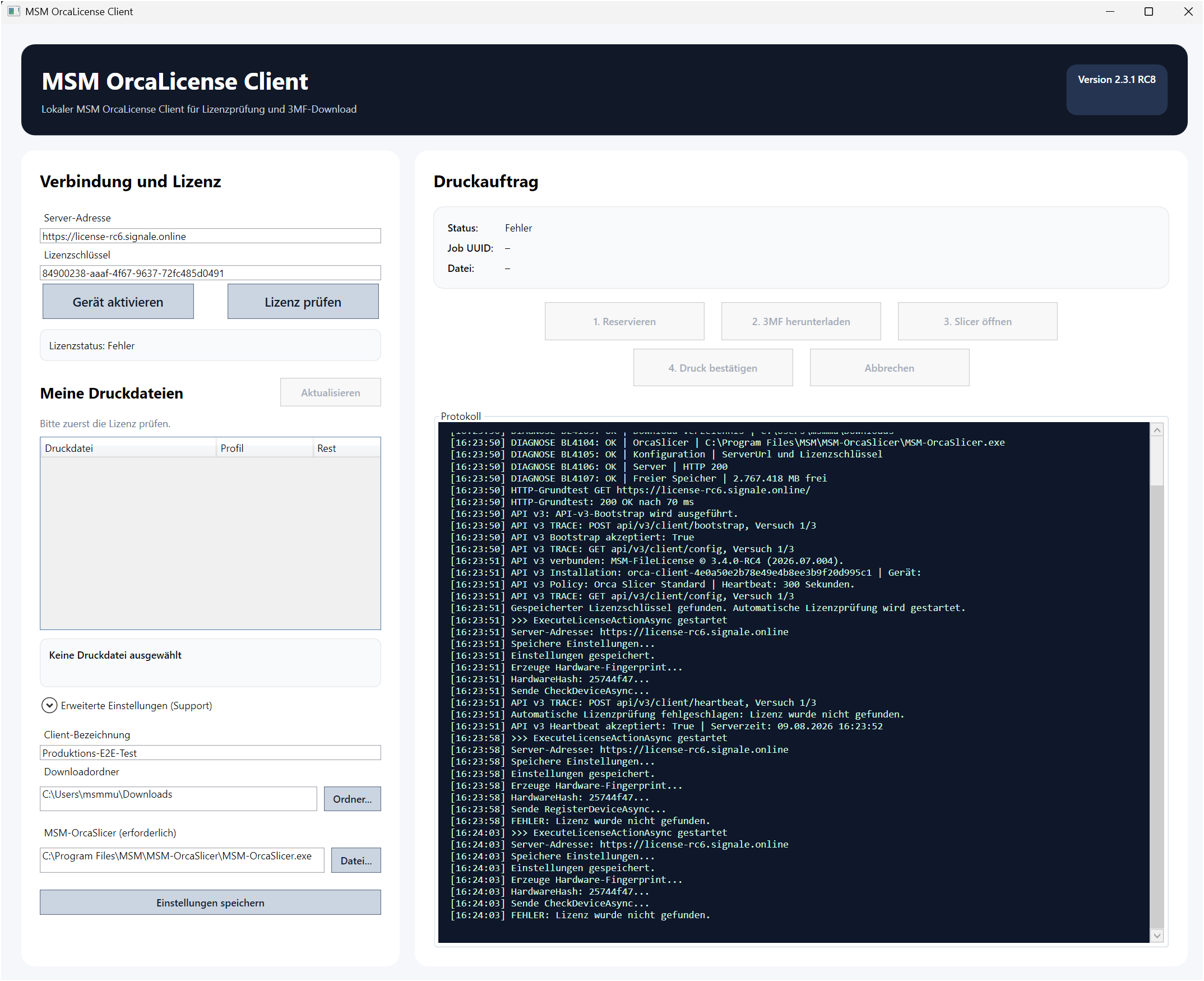
The MSM-FileLicense client connects the customer account, licence server and MSM-OrcaSlicer. It checks the licence, displays available print files and controls the print job.
Feasibility study – Protected 3D print files
Secure licence checks, protected print files and controlled transfer to MSM-OrcaSlicer.
As part of this feasibility study, we are offering selected 3D print files for our H0 wagons free of charge for a limited period.
This is expressly about more than printing the models. Under real-world conditions, we want to test how reliably the MSM-FileLicense-System implements the intended file protection and controlled use through MSM-OrcaSlicer.
We therefore expressly invite you to put the protection to the test.
For example, test whether you can use a supplied print file outside the intended workflow, copy it, modify it or reuse it in another way. You may also try to bypass the intended licence or printing restrictions, or use a file released for one print for additional prints.
Important: Please test only the print files and functions supplied as part of this study. Attacks on servers, user accounts, other people's data or other systems are expressly outside the scope of the study.
If you discover a weakness or find a way to bypass an intended protection function, please describe your procedure as precisely as possible. A successful manipulation attempt is a valuable result for us – this is exactly why we are conducting the feasibility study.
Participation is free. The supplied H0 wagon print files may be used for the study during the promotional period.
The aim is to determine whether the MSM-FileLicense system fulfils its purpose in practice: providing 3D print files in a controlled way, enabling permitted use and preventing unintended reuse as reliably as possible.
The MSM-FileLicense system supplies protected 3MF print files and checks that a valid authorisation exists before every print. The client, licence server and MSM-OrcaSlicer work together as one system.
The MSM-FileLicense client connects the customer account, licence server and MSM-OrcaSlicer. It checks the licence, displays available print files and controls the print job.
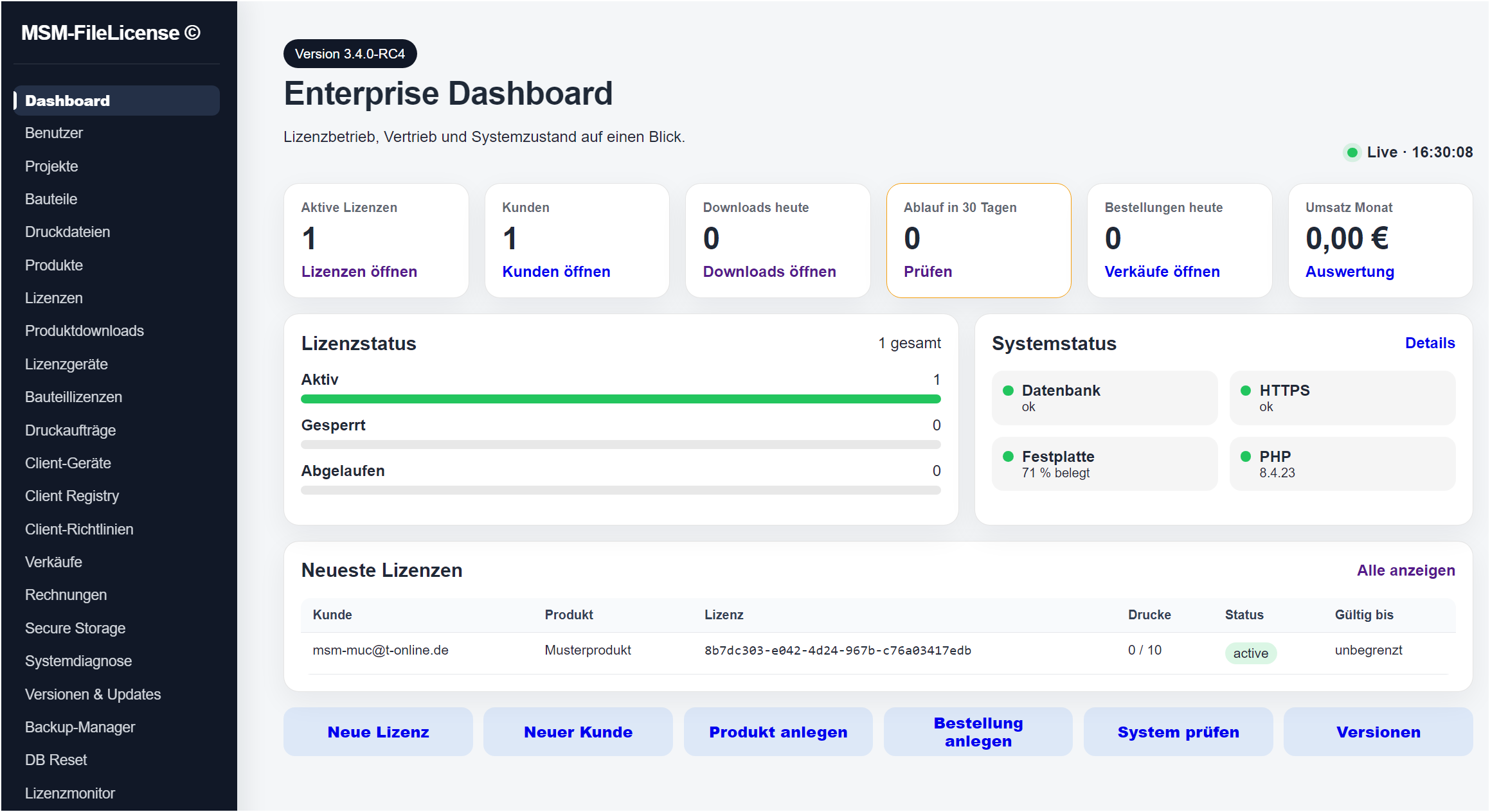
The Enterprise Dashboard provides an overview of licences, customers, print jobs, downloads and current system status. Administration takes place centrally through the licence server.
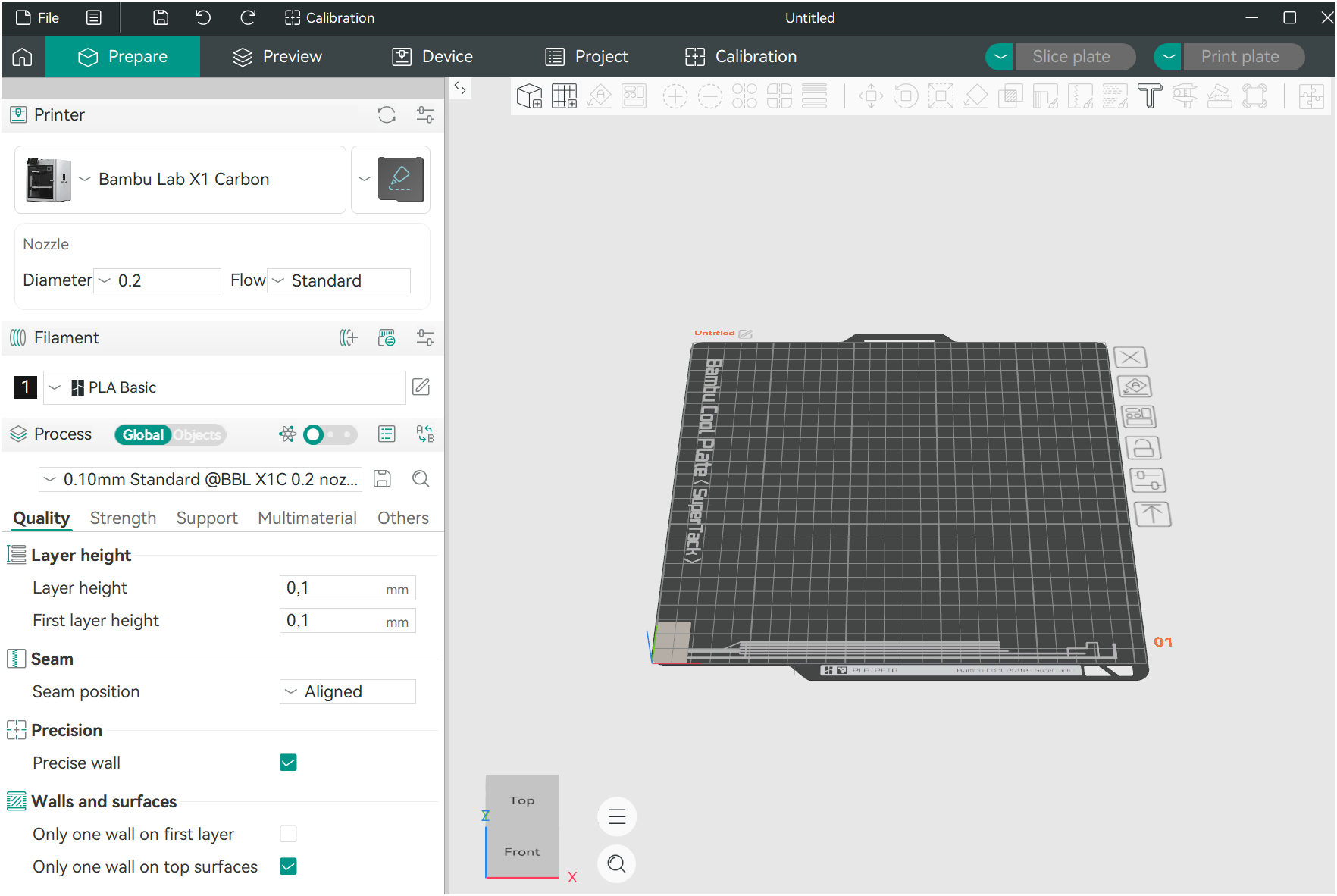
MSM-OrcaSlicer receives the print file released by the licensing system and then allows preparation of the actual print.
To sell the files at a reasonable price through the MobaLedLib shop.
The system combines several checking and protection mechanisms, including licence binding, device assignment, integrity checks, controlled transfer and handling of temporary print files.
The client displays purchased print files and their licence status. The released print job can start only after a successful check.
Use the customer portal to sign in to the MSM-FileLicense licence server and manage your personal licence and print data.
Protected print files use a specially adapted version of MSM-OrcaSlicer. It works directly with the MSM-FileLicense client.
Norton and other security software may automatically scan individual program files during installation. This can make installation progress appear to stop briefly, sometimes for up to about a minute.
Please do not cancel installation during this security check. Installation continues automatically after the check succeeds.
Please read before the first installation – Norton / Windows security notes
The complete installation package contains the MSM-FileLicense client and the associated MSM-OrcaSlicer.
The MSM-FileLicense client with MSM-OrcaSlicer is intended for FDM/FFF 3D printers . It is suitable for many common filament printers, including Bambu Lab, Creality, Prusa, Anycubic and Elegoo. A suitable printer profile must be available or configured in MSM-OrcaSlicer for the printer used.
Depending on the printer, other supported filaments can be used in addition to PLA.
A corresponding solution for Resin 3D printers is currently in preparation. It will be available at a later date.
File size: 166.63 MiB
SHA-256:
89D73CAC8B6FA12DEC459748B3DF3C4002E4455F2C30945116807CAF359F3AE1